
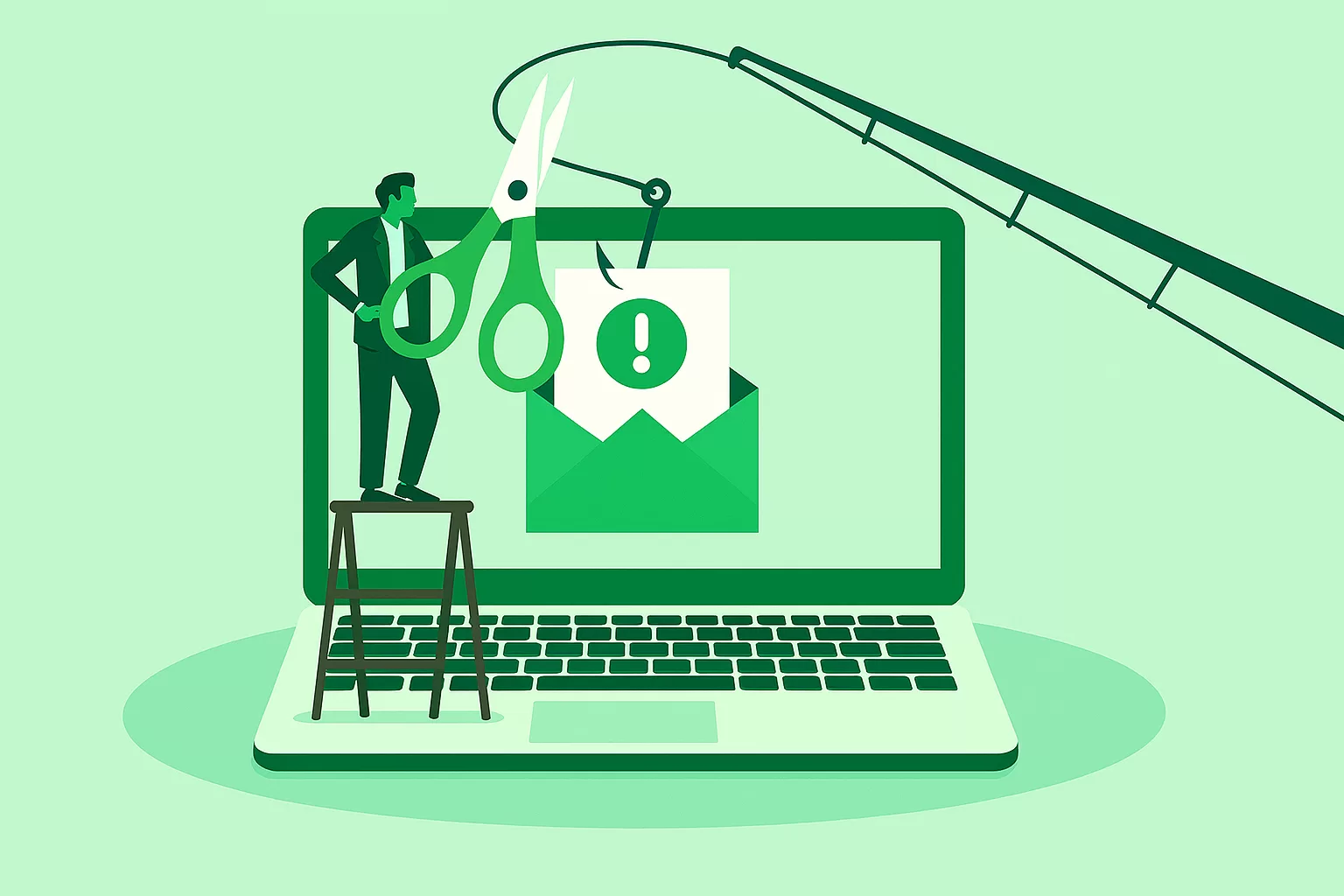
At Peoples Bank, your security is our priority. As online scams grow more sophisticated, it’s more important than ever to stay alert—especially when it comes to phishing. These fraudulent messages are designed to look real but exist solely to trick you into giving away personal information. The good news? A few simple habits can help keep your accounts safe.
What Is Phishing?
Phishing is a type of fraud where scammers impersonate trusted organizations—often through email or text—to steal sensitive information like usernames, passwords, PINs, or verification codes. Messages can appear polished and convincing, making it easy to get caught off guard.
Before you act, pause and take a closer look.
How to Spot a Phishing Attempt
Phishing messages often follow predictable patterns. Watch out for these red flags:
1. Urgent or Alarming Language
Scammers want you to act fast before you have time to think. If a message says something like “Act now!” or “Your account will be closed!”—be cautious.
2. Requests for Personal Information
Legitimate organizations (including Peoples Bank) will never ask you to share personal details, such as:
- Passwords
- PINs
- One-time verification codes
- Account numbers
If you’re asked for this kind of information, stop immediately.
3. Links That Don’t Match the Sender
Hover over any link before clicking. If the URL seems unusual or doesn’t match the sender’s legitimate website, it’s likely a scam.
What to Do if You Suspect Phishing
If something feels off, trust your instincts. Here’s what we recommend:
- Do not click any links or download attachments from suspicious messages.
- Verify the message by visiting our official website or signing into our mobile app—never through the link you were sent.
- Report suspicious emails to Peoples Bank.
- Forward fraudulent text messages to 7726 (SPAM) to help your carrier block future attacks.
Protect Yourself With These Security Best Practices
Taking proactive steps reduces your risk of falling victim to fraud:
✔ Enable Multi‑Factor Authentication
Add an extra layer of security to your accounts wherever possible.
✔ Keep Your Contact Information Updated
Ensure Peoples Bank has the correct phone number and email so we can reach you if needed.
✔ Set Up Account Alerts
Stay informed with notifications about account activity through Online Banking or our mobile app.
Remember: Peoples Bank Will Never Ask for Sensitive Credentials
We will never call you to request your username, password, PIN, or verification codes. If you receive such a request, it is not us.
Stay Vigilant. Stay Protected.
Phishing can happen to anyone—but with awareness and good habits, you can help keep your financial information secure. If you ever feel uncertain about a message you’ve received, contact us directly. We’re here to help.